Build a cylindrical tower through successive levels and use the on-screen feedback to refine your timing. Aim for Perfect feedback, check your tower-height result and select Next after passing a level.
Fit the supplied colored pieces into a square grid, planning around their shapes and any fixed obstacles. Complete the board layout across successive levels, with Reset and coin-priced Hint controls available.
Relocate screws into open holes to release overlapping boards before the timer runs out. Plan the removal order, preserve usable holes and continue through the level map after completing each puzzle.
Select colored shooters for the four slots below a winding block track. Compare shooter colors and remaining counts with the blocks on the track, and plan selections around the limited slot space.
How to Play
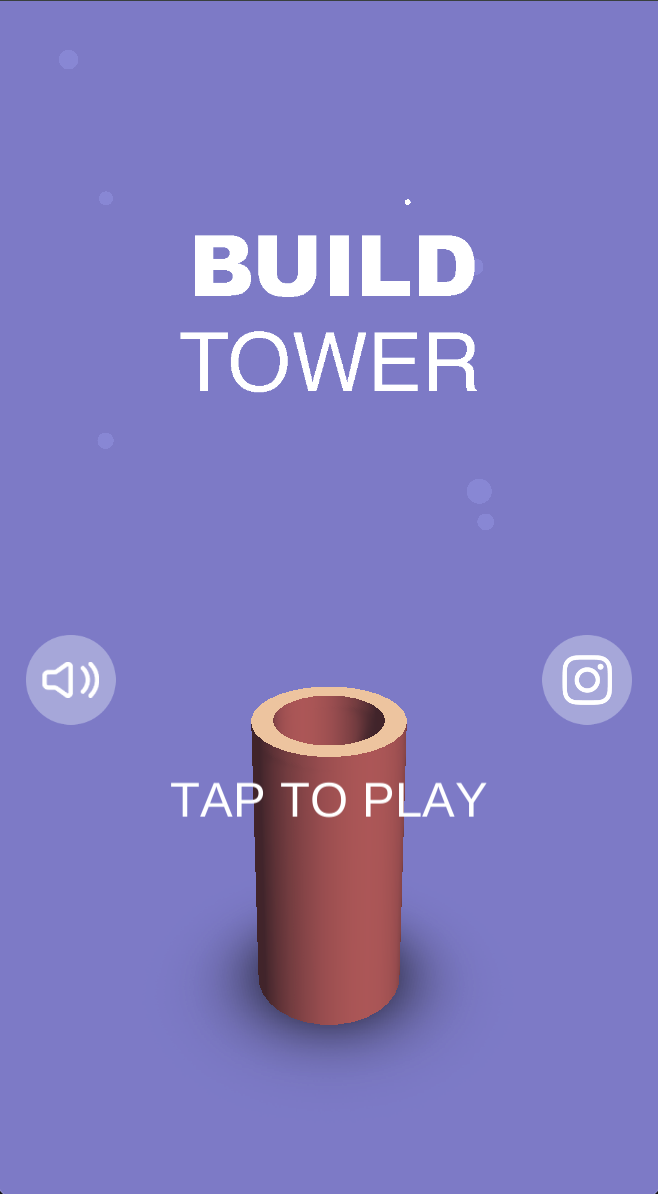
Select Tap to Play from the title screen.
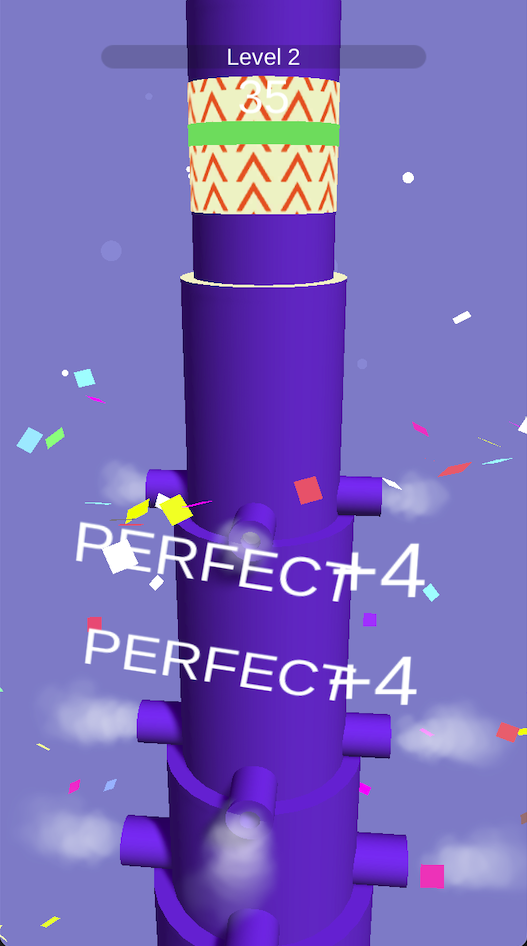
Follow the in-game control prompts while watching the cylindrical tower, banded section and green strip.
Use the displayed feedback to adjust your timing. The captured second level shows Perfect +4.
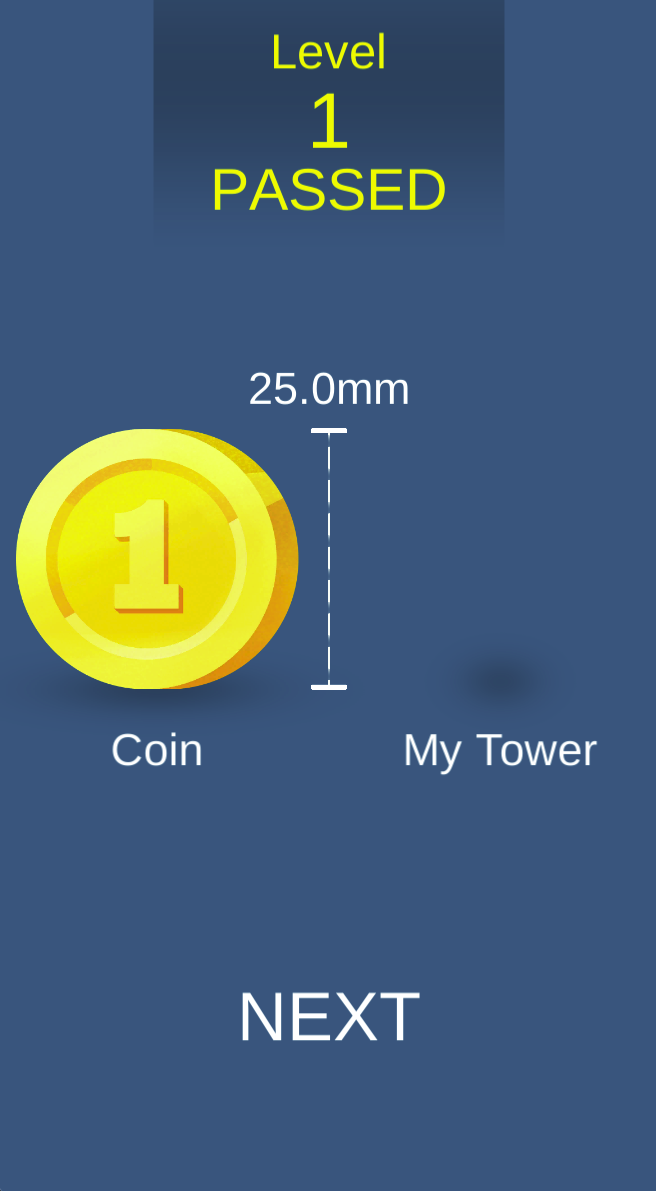
After Level Passed appears, check the height comparison and select Next.
Timing and Progress Tips
Pay attention to what is on screen when Perfect appears, and try to repeat that timing. Change one aspect of your timing at a time instead of rushing through actions.
The first-level result shows 25.0mm beside a coin comparison and My Tower label. Use your own result screen to compare progress; that value is not a fixed target or reward for every level.
Gameplay FAQ
Is this a rectangular block-stacking game?
This version shows a cylindrical tower.
What does Perfect +4 mean?
It is positive feedback displayed during the captured second level.
Screenshots & Strategies
Real browser captures · October 21, 2026
Tap to Play opens the tower-building challenge. This version uses a cylindrical tower rather than the rectangular blocks described in the earlier guide.The Level 1 result screen reports Passed and displays a 25.0mm height comparison beside Coin and My Tower. Select Next to continue.Level 2 shows a banded upper cylinder, a green strip and repeated Perfect +4 feedback. Use the visible feedback to refine your timing on the next action.