AXPLAY · PLAY ONLINE
Tap Out – Play Free Online
Clear the board by tapping blocks in the direction their arrows point. Plan the removal order so every piece has a clear path out.
HTML5 · Free to Play
Press Play to load the game.

AXPLAY · PLAY ONLINE
Clear the board by tapping blocks in the direction their arrows point. Plan the removal order so every piece has a clear path out.
HTML5 · Free to Play
Press Play to load the game.
Explore games in the same category and compare their goals before choosing.
Fit the supplied colored pieces into a square grid, planning around their shapes and any fixed obstacles. Complete the board layout across successive levels, with Reset and coin-priced Hint controls available.
Relocate screws into open holes to release overlapping boards before the timer runs out. Plan the removal order, preserve usable holes and continue through the level map after completing each puzzle.
Select colored shooters for the four slots below a winding block track. Compare shooter colors and remaining counts with the blocks on the track, and plan selections around the limited slot space.
Sort layered colored water between bottles. Pour onto matching top colors, check the receiving bottle’s available capacity and plan a sequence that separates the colors to complete each level.
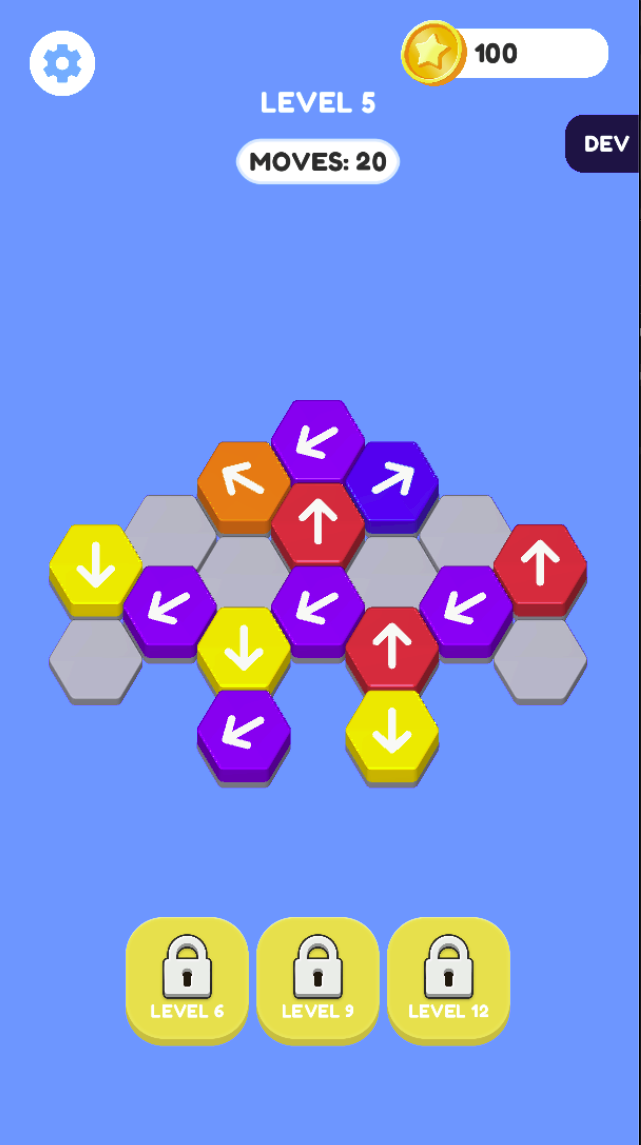
Trace the arrow direction of a candidate tile before tapping it, then inspect the pieces along that route. Work backward from an obstructed piece to identify what must move first. Avoid repeated exploratory taps when the level has a limited move budget.
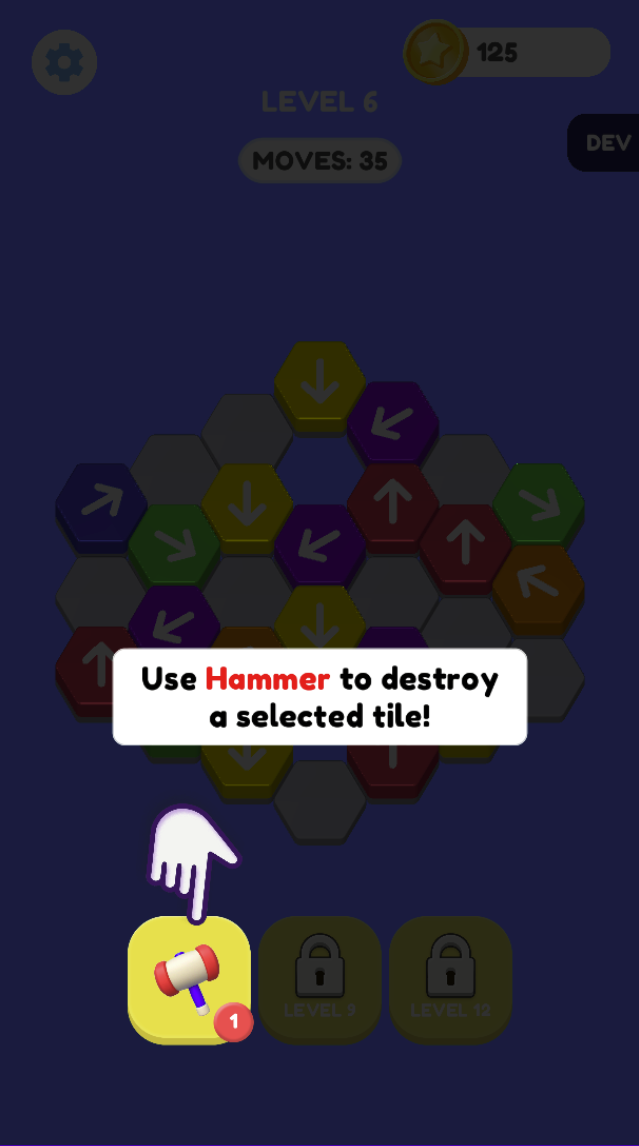
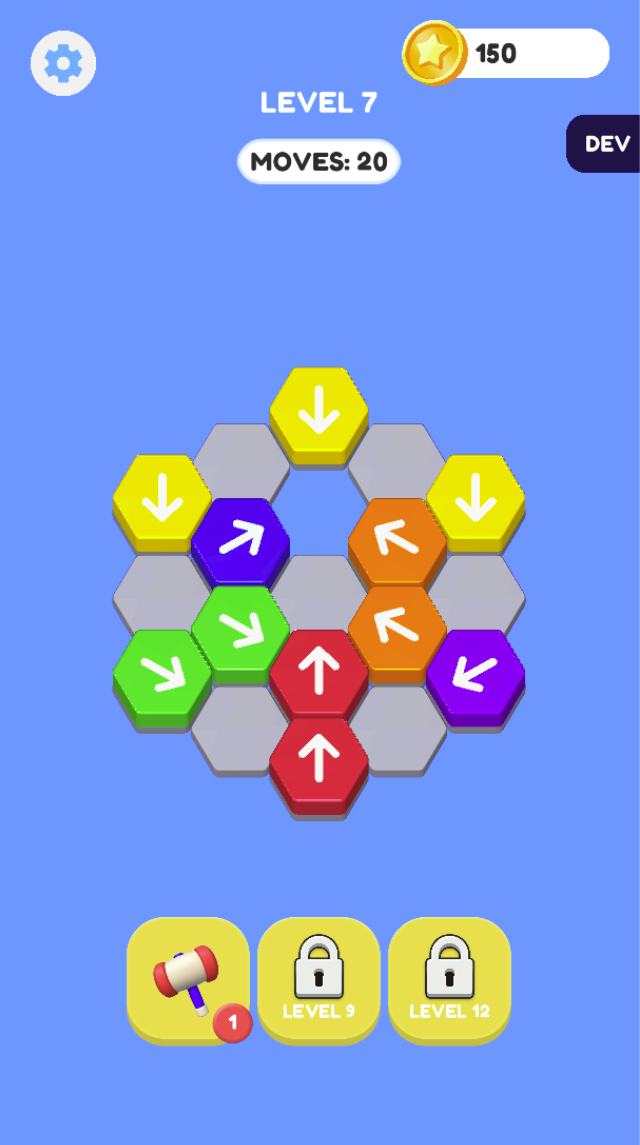
The levels show different limits: Level 5 has 20 moves, Level 6 has 35 and Level 7 has 20. Read the current counter rather than assuming each level gives the same number of moves.
The Level 6 tutorial states that the Hammer destroys a selected tile. Use it for a piece that blocks an important route, after considering ordinary moves. A small badge shows the available count. The other tool slots display level 9 and level 12 locks in these captures.
Read the actual arrow on each tile.
No. The captured interface introduces the Hammer at level 6 and shows later tools locked at levels 9 and 12. Check your current unlocks and remaining uses.
Real browser captures · October 21, 2026