Place colorful block shapes on the grid and complete rows or columns to clear space. Plan around the pieces in the tray, build combos and keep room for long shapes while chasing a high score or the displayed score target.
Fit the supplied colored pieces into a square grid, planning around their shapes and any fixed obstacles. Complete the board layout across successive levels, with Reset and coin-priced Hint controls available.
Relocate screws into open holes to release overlapping boards before the timer runs out. Plan the removal order, preserve usable holes and continue through the level map after completing each puzzle.
Select colored shooters for the four slots below a winding block track. Compare shooter colors and remaining counts with the blocks on the track, and plan selections around the limited slot space.
How to Play Block Burst
Drag a block shape from the tray into empty cells on the grid. Check its full footprint before placing it.
Complete a row or column to clear it, and plan placements that set up further clears and combos.
Inspect all available shapes before choosing an order. Leave space for long pieces and check the remaining count before using the circular-arrow tool.
Plan Around Every Shape
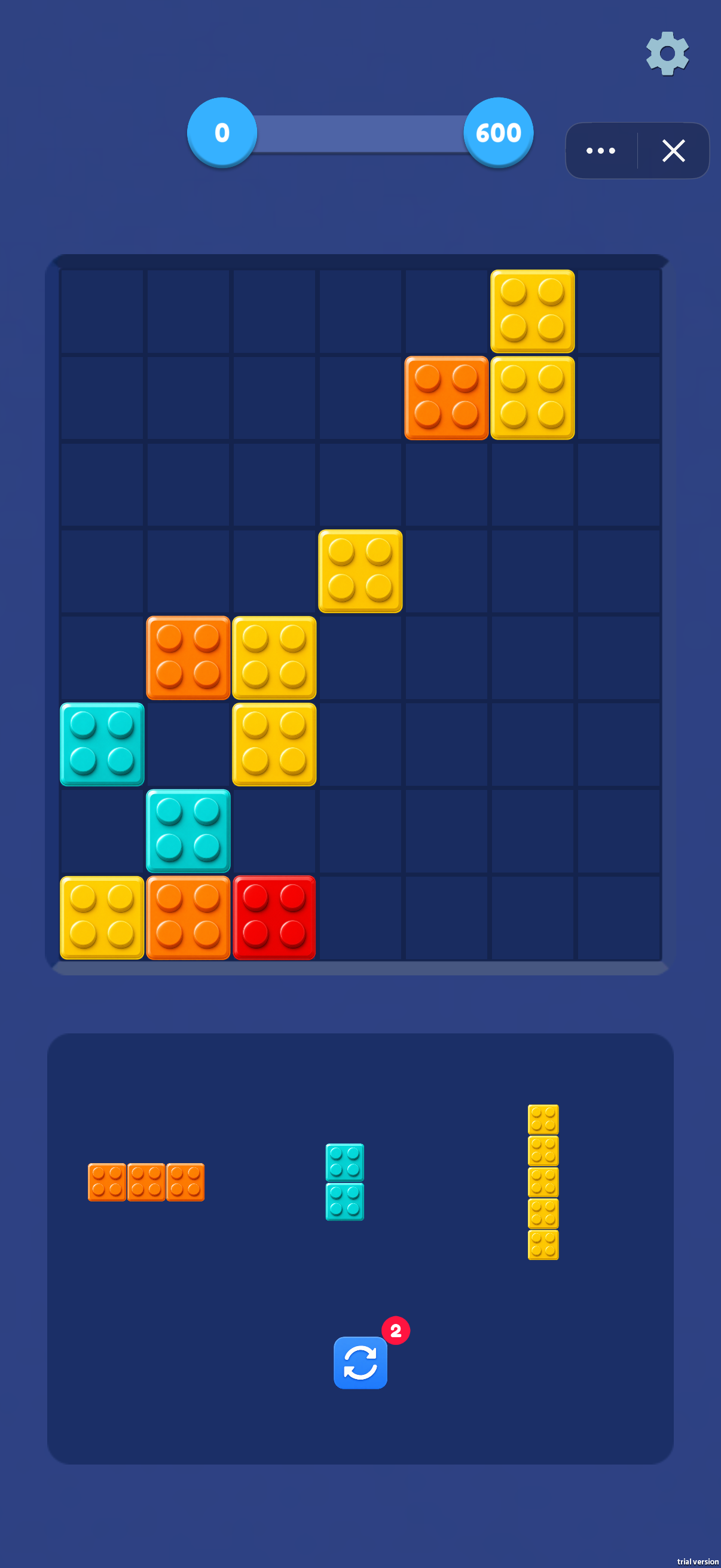
Inspect the tray before committing to a position. Short pieces can fill small gaps, but a five-block strip needs a long clear lane. Avoid breaking the remaining space into isolated pockets that cannot accommodate your next shape.
Line Clears and Combos
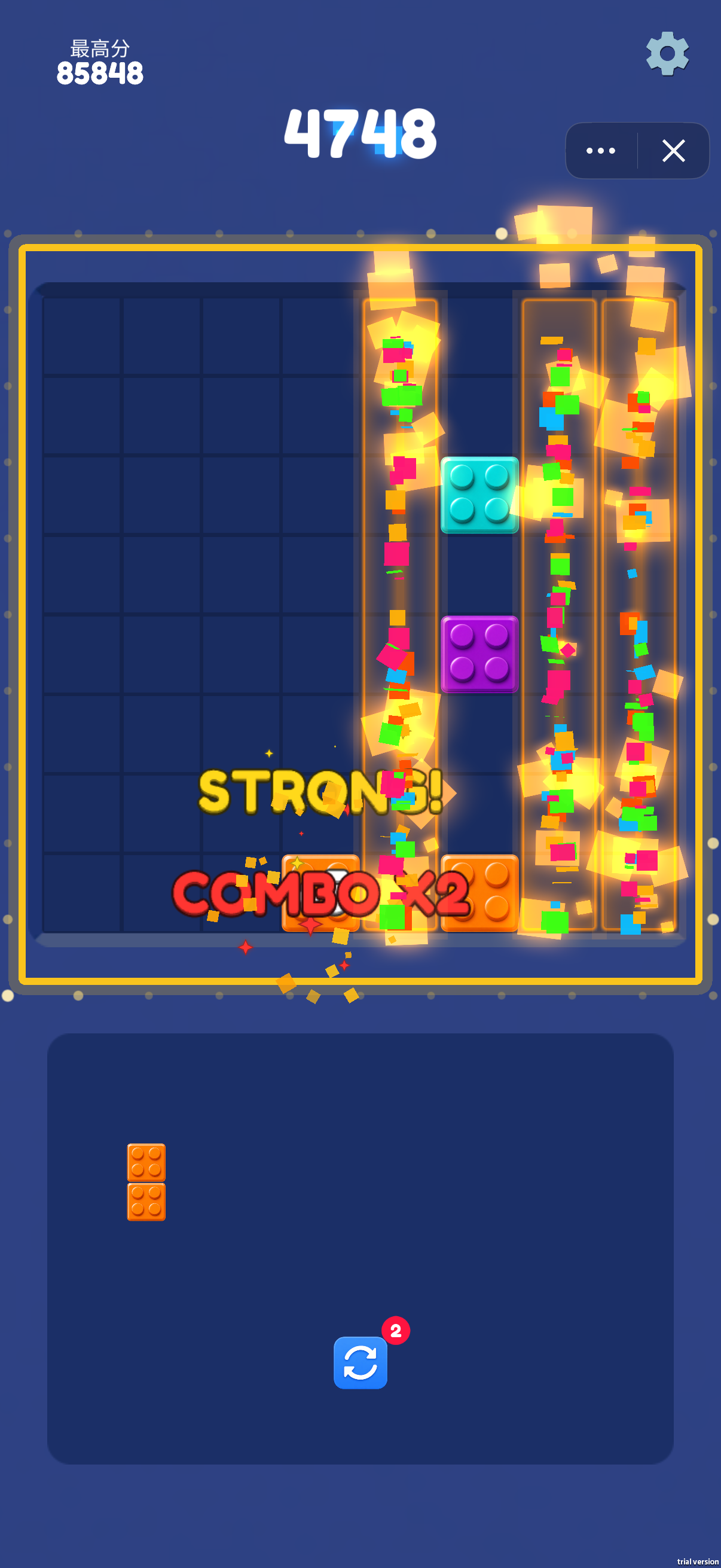
Fill rows or columns to clear blocks and open the board. The supplied combo screenshot shows several highlighted columns alongside STRONG! and COMBO ×2. Look for placements that complete more than one line, while preserving room for the other pieces in your tray.
Scores and Targets
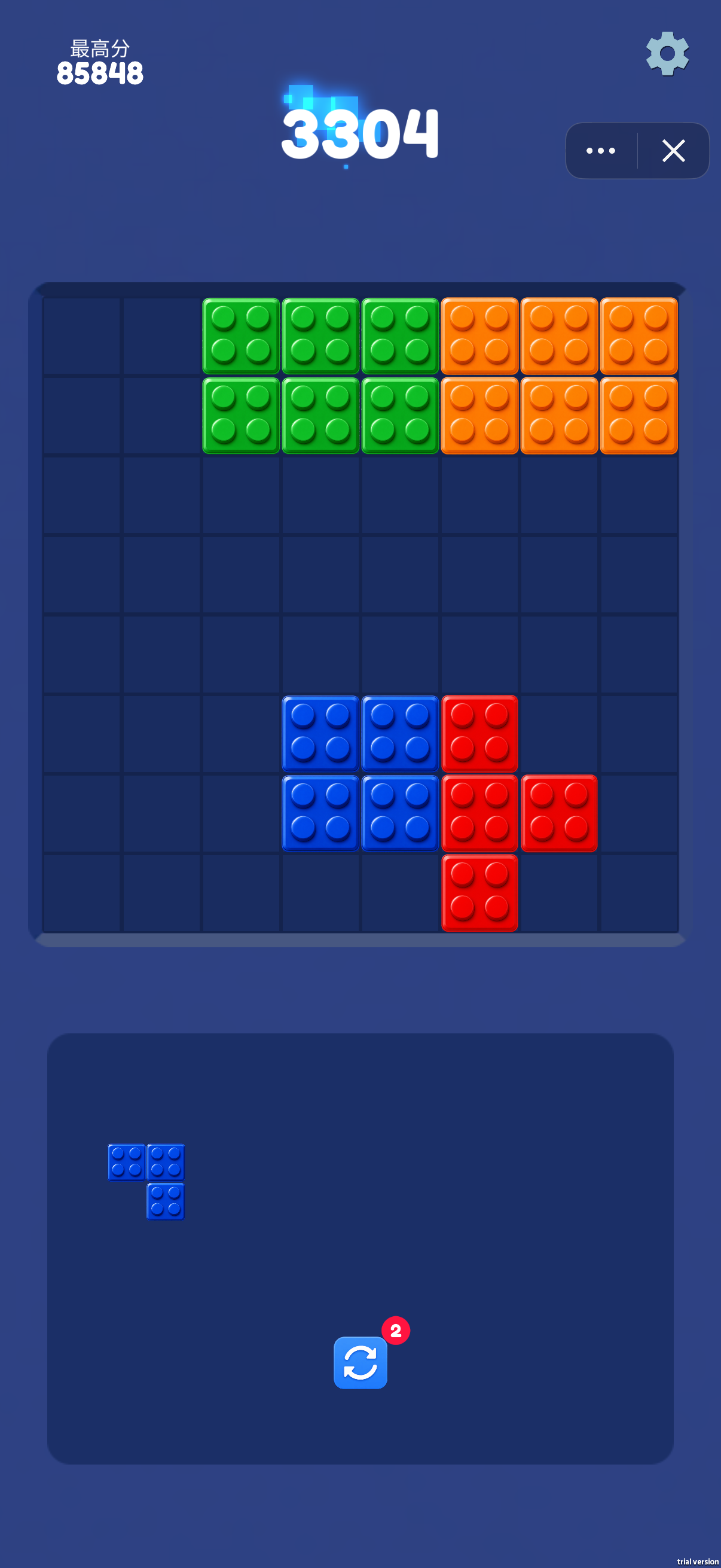
The score screen displays the current score separately from the best score. Another screen shows progress from 0 toward 600. Check the current display to see whether you are chasing a record or working toward a visible target.
Circular-Arrow Tool
The tray includes a circular-arrow button with a badge showing 2. Check its in-game prompt and remaining uses before spending one.
Do block colors have to match?
Plan around full rows and columns and the shapes that fit the empty cells.
What should I do before placing a long piece?
Find a clear lane large enough for the entire shape, then check whether the remaining pieces will still fit after that move.
Screenshots & Strategies
Real browser captures · October 21, 2026
The score screen shows 3304 points, a best score of 85848 and an L-shaped piece waiting in the tray. Compare its footprint with the open cells before placing it.Several columns clear together while STRONG! and COMBO ×2 appear. Plan around nearly complete lines to create room and keep the next placement available.A target-style screen shows progress from 0 toward 600. The tray contains a horizontal three-block piece, a vertical pair and a vertical five-block piece; reserve suitable gaps for each.