Drag left and right along an elevated city track, fire at numbered targets and steer through helpful gates while avoiding cones and barriers. Spend collected cash on stickman, damage and range upgrades, then push farther along the finish multipliers.
Explore number-ball merging, an Infinite Mode and a mountain-road rolling challenge. Follow the current mode’s swipe controls, line up matching numbered balls where applicable and steer around cones, gaps or rock obstacles.
Steer your character through a layered hexagonal arena alongside other competitors. Use the on-screen joystick to navigate platforms, watch gaps and plan a route across the remaining tiles.
Move a black hole around a timed arena to collect characters before a later battle scene with a creature and castle. Spend coins on Time, Size and Power upgrades, plan efficient collection routes and explore hole skins.
Guide a character hanging from a horizontal bar through a vertical obstacle course. Watch the walls, ledges and stars along the route, complete the level and continue from the result screen.
How to Play Bullet Run
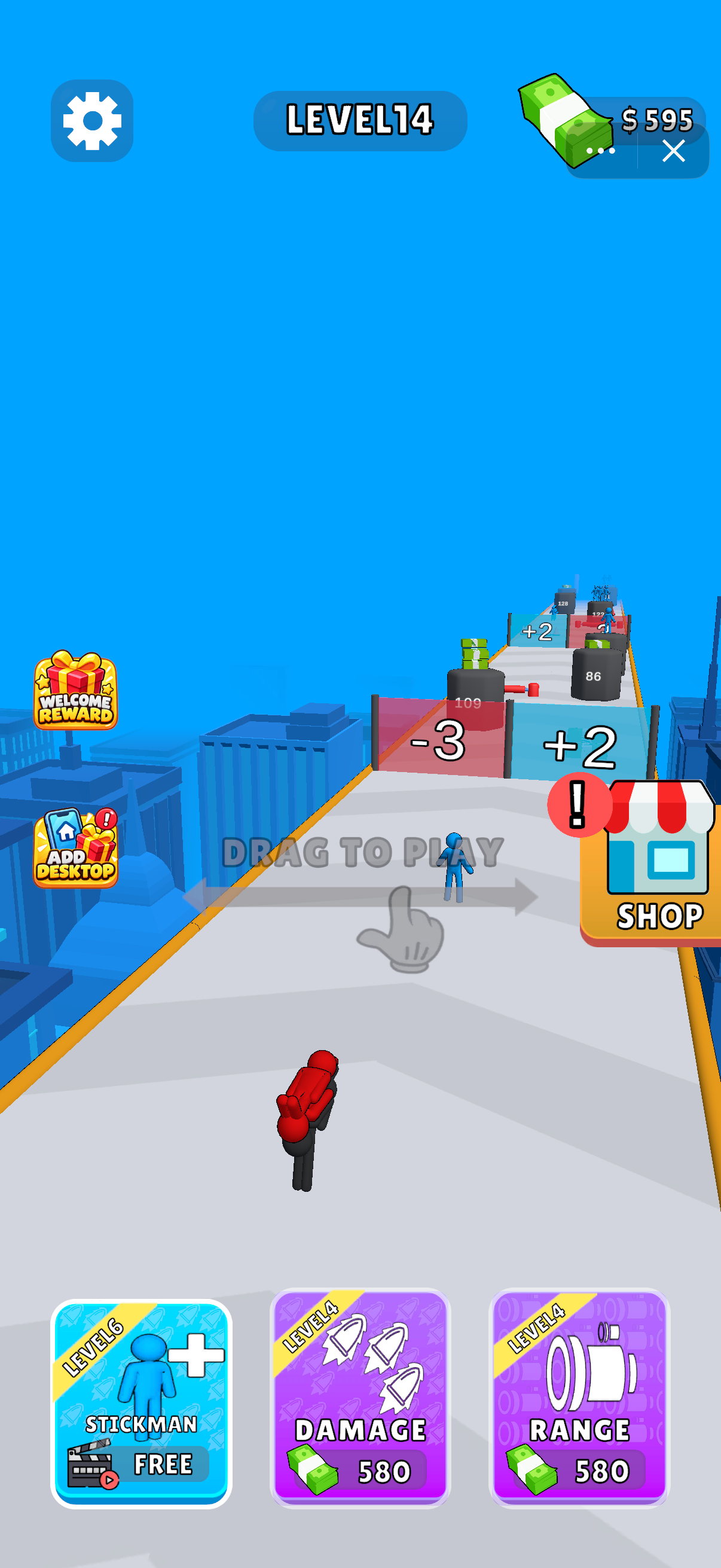
Follow Drag to Play: hold and drag horizontally to steer along the track.
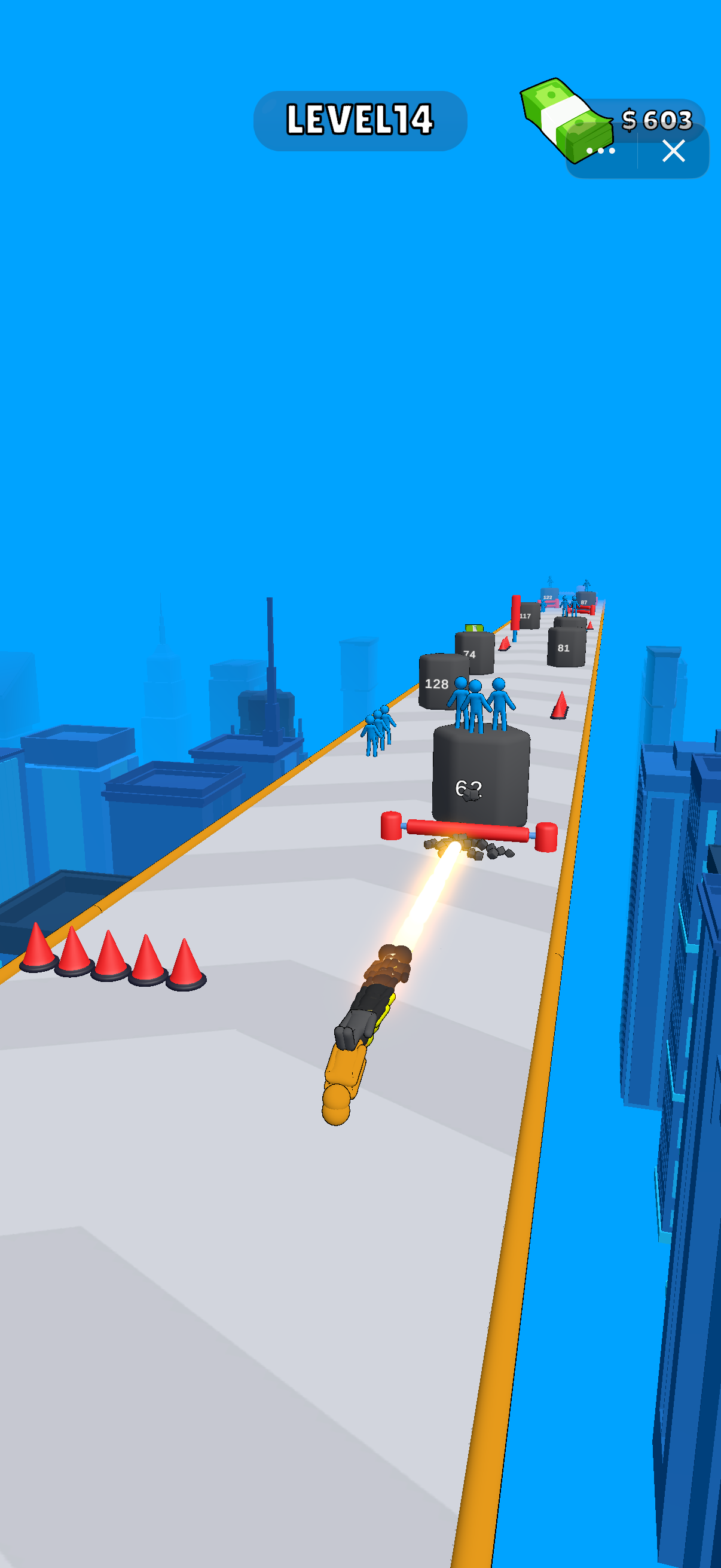
Aim toward numbered targets, compare the positive and negative gates, and avoid cones and red barriers.
Between runs, compare Stickman, Damage and Range upgrades; check whether each option costs cash or requires a video.
Choose Your Route
Look ahead along the elevated track. The start screen pairs a −3 gate with a +2 gate, so compare the signs before steering. Numbered targets, cones and red barriers share the road; leave room to change lanes as you fire.
Upgrades Between Runs
Stickman, Damage and Range have separate upgrade cards. The supplied screen shows Damage and Range at level 4 with a 580 cash price, while Stickman displays a video option. Check the current requirement before choosing an upgrade.
Finish Multipliers
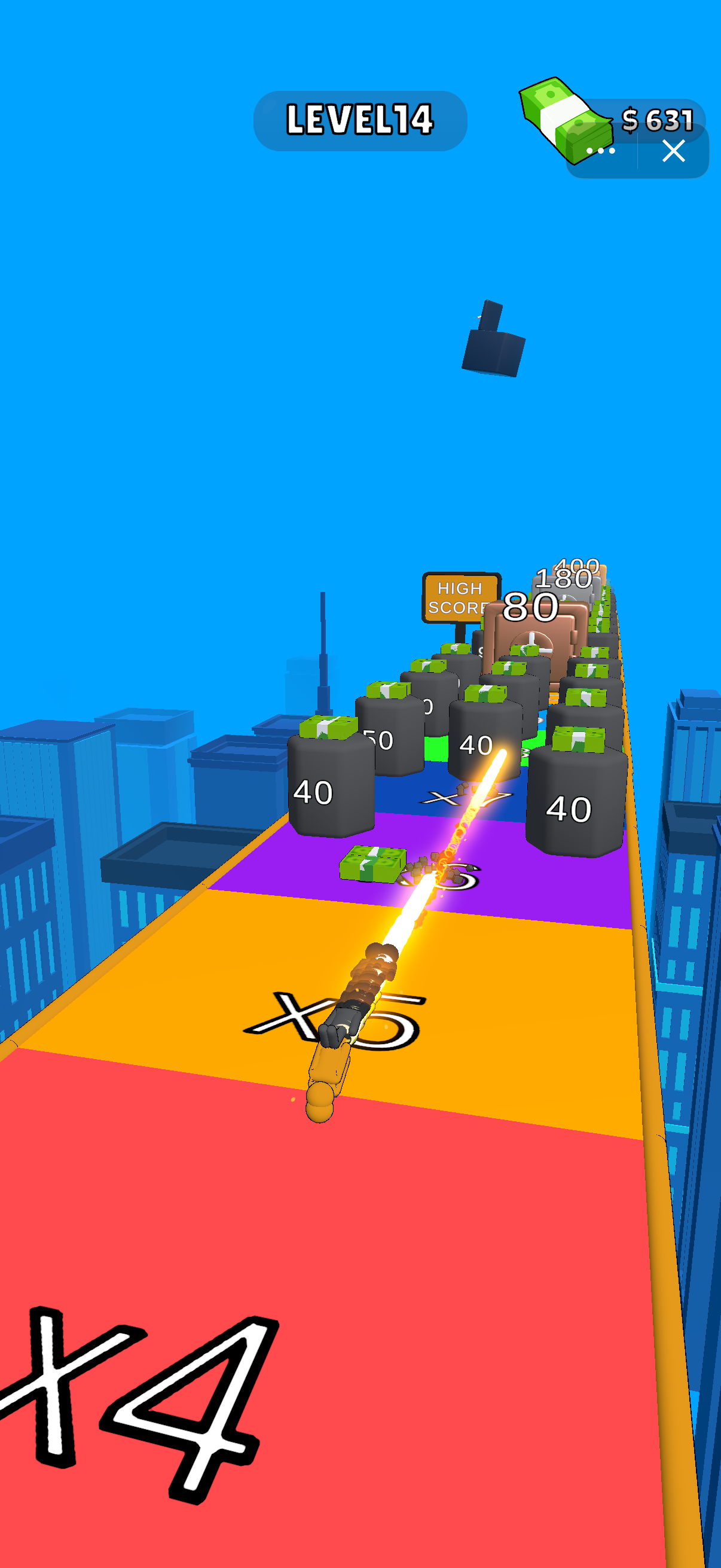
The final stretch shows colored zones marked ×4, ×5 and ×6, followed by more numbered targets. Keep your shots aligned with a clear route and use the visible target values to judge progress.
How do I move?
Follow Drag to Play and drag horizontally with touch or a held mouse pointer.
Which upgrade should I choose?
Compare your current stickman level, damage and range with the targets ahead. Try one upgrade at a time to see how it affects the next run.
Screenshots & Strategies
Real browser captures · October 21, 2026
The start screen shows Drag to Play, a −3 gate beside a +2 gate, and separate Stickman, Damage and Range upgrades. Compare the route and upgrade requirements before starting.During the run, line up shots with numbered targets while steering around cones and red horizontal barriers. Look ahead to leave room for your next move.The finish stretch has colored multiplier zones and rows of numbered targets with cash above them. Keep aiming through a clear lane to push farther along the reward track.